


Are smart locks secure?
Smart locks and mechanical keys protect doors in different ways. Still, a well-designed smart lock system is just as secure as traditional locks while offering significantly more convenience and control. Instead of relying only on a physical key, smart locks use digital access, so that businesses can manage permissions more flexibly and respond faster when something changes.
Mechanical keys are familiar, simple, and reliable. But they also have limitations that businesses know well. They can be lost, copied, passed on, or forgotten. Once a key is out of sight, it is difficult to know who has it or whether it has been duplicated.
Smart locks approach access differently. Instead of relying only on a physical object, they use digital permissions. Access can be granted, limited, changed, or revoked without handing over a physical key.
This gives businesses more control over access in everyday operations. For businesses, security is about the entire access system: hardware, software, authentication, admin structure, and how access rights are handled over time. A smart lock is secure when all of these elements work together in a controlled and well-managed setup.
This is especially important in environments where many people need access at different times, such as offices, coworking spaces, gyms, holiday rentals, or shared buildings. In these cases, security is closely linked to how access is organised in daily operations.
1. Hardware security and software security: both matter
Smart lock security refers to how well a smart lock system protects a door, room, or building from unauthorised access. It includes both the physical security of the lock hardware and the digital security of the access system behind it.
A secure smart lock setup usually combines robust lock hardware, encrypted communication, protected digital keys, secure user authentication, clear access permissions, and reliable admin processes.
That last point is important. Tapkey smart locks are technically secure, but the process around them could be the risk if companies have weak overall setups and digital access rights are not managed properly.
For example, if a former employee still has access, if too many people have admin rights, or if temporary access for a cleaner or guest is never revoked, the risk is not the lock itself.
When businesses evaluate smart lock security, it helps to separate hardware security from software security.
Hardware security refers to the physical components of the lock. This includes the lock body, cylinder, fitting, installation quality, resistance to manipulation and vandal-proof, and whether the hardware is suitable for the door and environment.
Software security refers to the digital layer. This includes encrypted communication, user authentication, digital keys, app security, cloud infrastructure, permission management, updates, and admin controls.
A secure smart lock setup needs both. The best result comes from matching the physical lock, the digital access system and the business process.

2. Opening a door with a smartphone: an extra security layer
One of the most common questions is whether using a smartphone as a key is secure.
In many everyday situations, a smartphone can add a useful security layer compared with a physical key because smartphones can act as secure access credentials. Unlike a physical key, a smartphone is typically protected by additional security layers such as PIN codes, fingerprint authentication, or Face ID. This means that even if a phone is lost, it is not automatically usable by another person.
This adds an important layer of protection compared with traditional keys, which can be used by anyone who physically holds them. A smartphone does not replace the need for a secure system, but it strengthens the access medium itself.
2.1. The biggest security benefit is access control, not just unlocking with a phone
Fewer problems with lost or copied keys
Physical keys can be lost, copied, or passed on. For businesses, the real benefit is control.
If a phone is lost or an employee leaves, digital access can be revoked immediately. There is no need to recover a physical key or replace locks. This makes smartphones a practical and secure access method in dynamic environments where people and permissions change frequently.
Faster access changes
When someone joins, leaves, or changes role, access can be updated more quickly. This is useful for small teams, growing companies, coworking spaces, gyms and holiday rentals with frequent changes.
Remote access management
Admins do not always need to be on site to manage access. This can save time, especially when managing several locations, flexible spaces, or external service providers.
Better visibility and traceability
Depending on the system setup, digital access can provide better visibility into access events. This helps businesses understand who had access, when access was valid, and whether permissions are still appropriate. With a lost physical key, the lock needs to be replaced, as there is a security breach.
More convenience for users
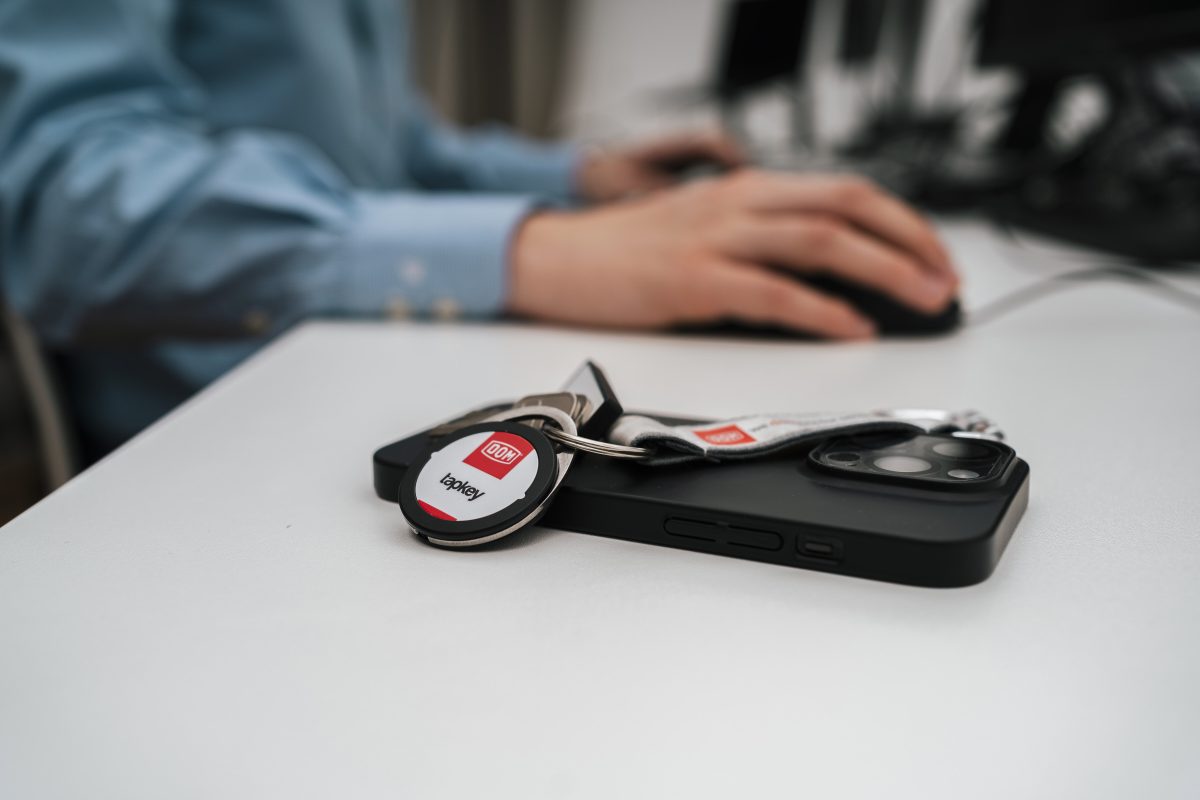
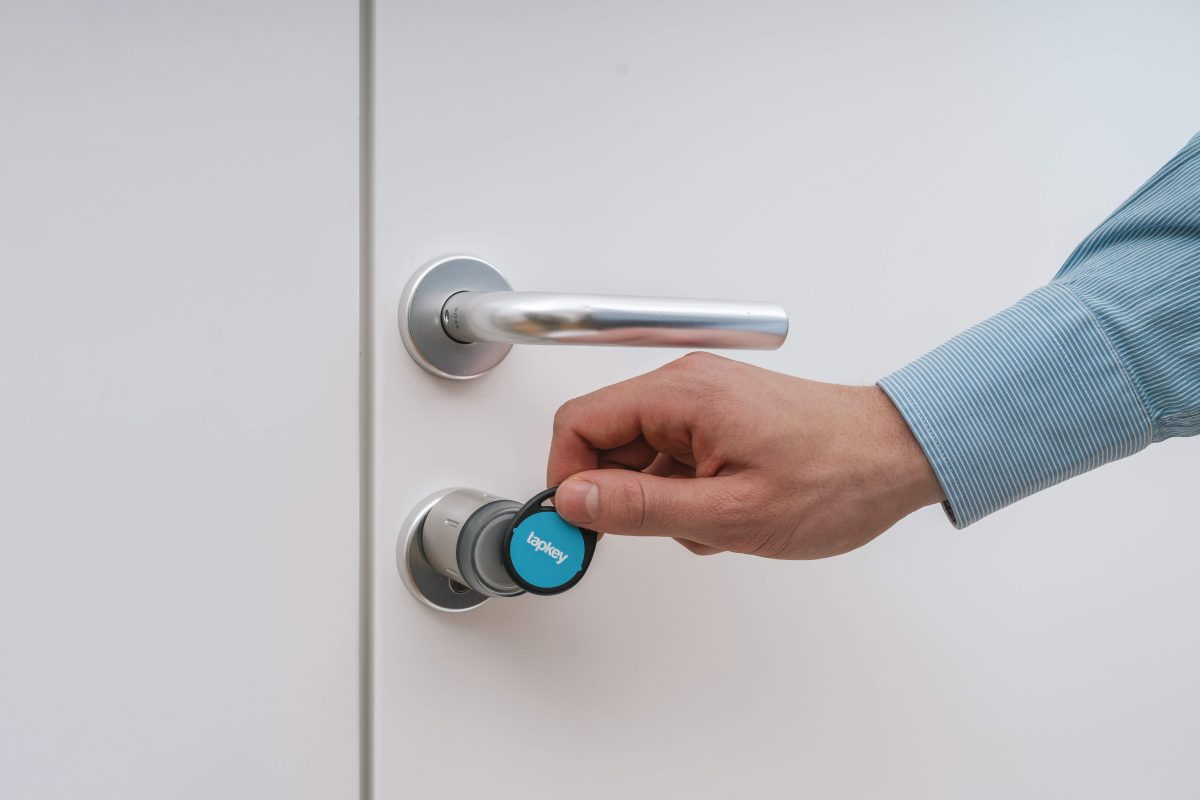
Users do not need to collect or return physical keys. They can use a smartphone or, depending on the setup, an NFC transponder. This makes access easier while still keeping permissions controlled.
Scalable access management
As a business grows, traditional key management can become messy. Digital access can scale more easily across new users, doors, rooms, or sites.
Support for different access habits
Not every user wants to access a door in the same way. Some prefer a smartphone. Others may prefer NFC. A flexible access setup can support different habits while keeping administration centralised.
3. What security risks are associated with smart locks?”
When discussing smart lock security, people often focus on the possible vulnerabilities of this technology. While technical security is important, the bigger risks in business environments are often operational and organisational.
For businesses, the most common weaknesses are not caused by the technology itself, but by how it is managed. Typical issues include too many admin users, shared admin accounts, outdated digital access rights that were never removed, missing role structures, weak onboarding and offboarding processes, or unclear responsibility for access management.
In other words, a smart lock system can be technically secure but still become vulnerable if access processes are poorly maintained.
This is why security must be understood as an ongoing management task, not a one-time installation.
Before implementing smart locks, every company should first clarify its role structure, formalize onboarding and offboarding rules, and assign responsibility with precision. Smart access management helps businesses decide who can access which doors, when, and for how long.
4. Smart lock security depends on how access rights are managed
The strength of a smart lock system is directly linked to how access rights are structured and controlled. This is where digital access management becomes essential.
A secure setup typically includes role-based permissions, time-based access, remote revocation, and full traceability of access changes. These functions ensure that access is always aligned with real responsibilities and can be adjusted quickly when needed.
For example, an employee may have permanent access to an office, while a supplier only receives access for a limited time. A cleaner may only be allowed in during specific hours, and a guest may receive access that automatically expires after a defined period.
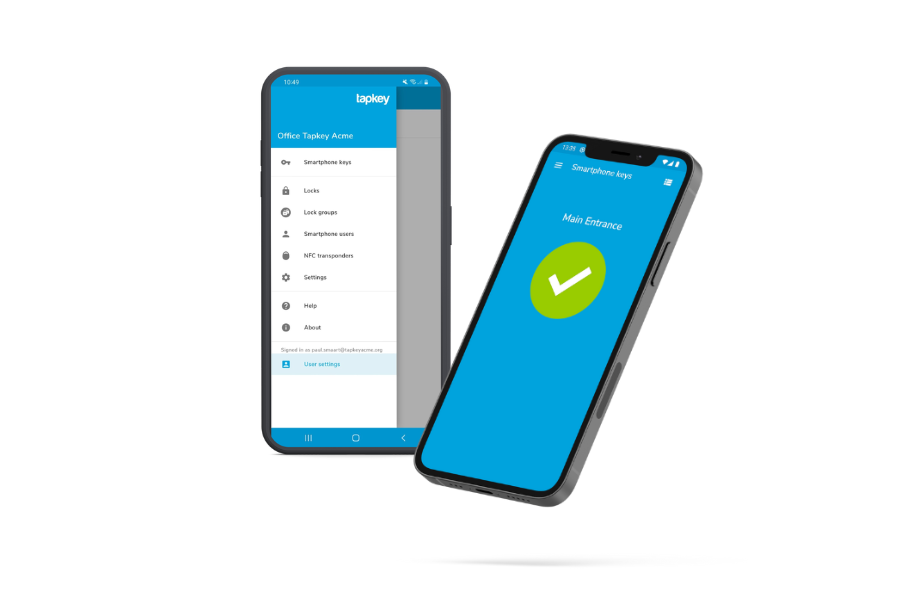
This is where digital key management platforms such as the Tapkey Web Portal add real value. They allow businesses to manage access centrally, assign permissions clearly, and remove access instantly when it is no longer needed. A smart lock is a strong solution when it is treated as part of a managed access system, not as a standalone device at the door.
5. How secure are smart locks without an internet connection?
A secure setup should be designed around the real access flow and also include practical reliability questions.
Concerns such as everyday usability, Bluetooth or NFC communication, cloud access, app security, lost phones, battery life, and fallback scenarios are valid and should be addressed in any professional setup.
However, these risks are not reasons to avoid smart locks. They are factors that need to be properly managed through system design and operational habits.
Does a smart lock work without the internet?
With Tapkey´s offline-capable smart lock setup, access remain reliable, while admins still manage permissions digitally in the background.
What if a phone is lost?
It’s unfortunate if you lose your phone, but from an access perspective, your permissions can simply be reassigned to a new smartphone or an NFC credential. And if you don’t have your phone with you, because you have forgotten it at home, well yes, you may need to call someone to let you in.
What if the battery is low?
Battery monitoring and clear maintenance routines make access management more predictable. Instead of discovering a problem only when someone is locked out, businesses can plan maintenance and define fallback scenarios in advance.
A mature smart lock setup is everything. When these elements are in place, smart locks become reliable in real-world daily use.
6. Conclusion: Are smart locks secure?
Are smart locks secure? Yes, they can be secure for business use when the hardware, software, and access management processes work together.
Compared with traditional keys, smart locks can add more control, convenience and flexibility. They help businesses manage who can access which doors, when access is valid and how quickly access can be changed or revoked.
The most secure setup is about the full access process around it: certified hardware, protected digital keys, secure authentication, clear admin roles, regular access reviews, and a setup that matches the real use case.
For businesses with changing teams, guests, members, tenants, or service providers, that level of control can make a real difference.
Explore how Tapkey helps businesses manage access digitally, flexibly and securely.
The Lab Berlin: one business, different access habits
A secure smart lock setup should match how people actually use access in a business.
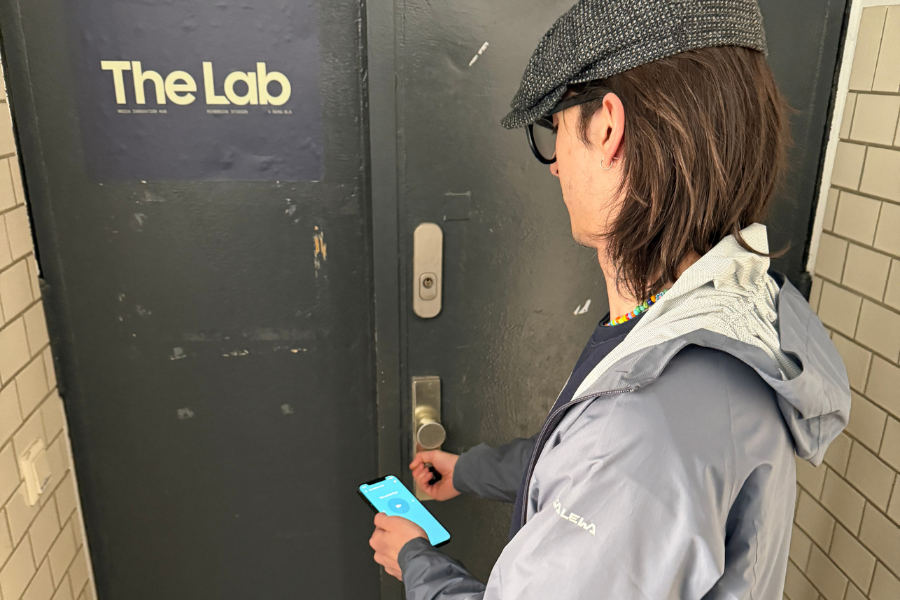
At The Lab Berlin, for example, the security improvement comes from better control: access rights can be granted, limited, and revoked digitally. The team no longer depends on copied keys, manual tracking, or emergency visits to unlock the space. This is a practical example of why smart locks should be viewed as part of a managed access system, not just as a more convenient way to open a door.
Digital Keys: Smart Access Control for Gyms and Clubs
In the crossfit studio Urkraft in Graz you’ll [...]
Mehr lesenNov
The Top 12 Tools for Coworking Spaces
Good management is the most important thing for [...]
Mehr lesenMay
A Day in the Life of Our CTO: Markus Minichmayr
Mehr lesenJul
Team Spotlight: Get to know—Martin
Meet Martin, a Tapkey software developer who codes [...]
Mehr lesenJan